
Your Phone Still Shows Signal Bars? That Doesn't Mean Mobile Jammers Aren't Working
The first thing almost everyone looks at during a mobile jammer test isn't the phone itself.
It's the bars in the top corner.
Three bars.
Four bars.
Sometimes even full signal.
The conclusion comes immediately:
"The jammer isn't doing anything."
That's usually the wrong conclusion.
The biggest mistake isn't buying the wrong device.
It's assuming the signal icon tells you what the radio is actually doing.
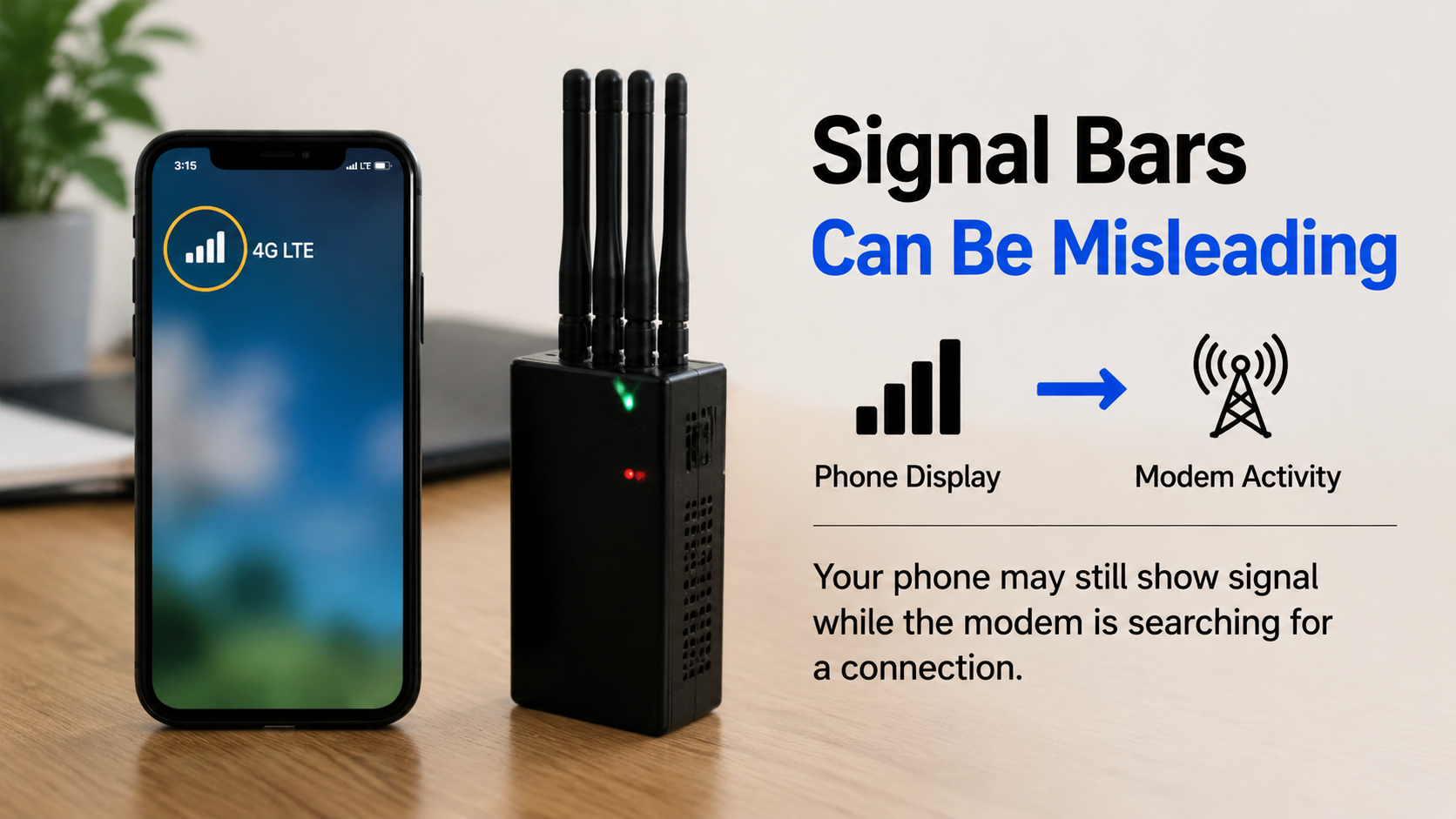
Signal Bars Are Designed for People, Not for RF Accuracy
The bars on your screen were never intended to diagnose radio performance.
They're only a simplified estimate generated by the phone's software.
Different manufacturers calculate them differently.
A Samsung and an iPhone placed on the same desk may display a completely different number of bars while receiving almost identical radio signals.
This alone makes 5g home cellphone jammer signal bar testing much less reliable than many people assume.
The Phone May Already Be Looking for Another Network
One detail almost nobody notices during mobile jammer testing is what happens immediately after interference appears.
The modem doesn't simply disconnect.
Instead, it becomes busy.
It may begin:
- measuring neighboring cells;
- checking another LTE frequency;
- preparing a 5G fallback;
- scanning bands that were idle only seconds ago.
During this process, the signal indicator often changes very little.
The phone looks calm.
Internally, it's doing far more work than before.
A Strong Signal Doesn't Always Mean a Working Connection
Think about Wi-Fi in a crowded hotel.
Your phone shows excellent reception.
Web pages barely load.
The radio signal exists.
The communication quality doesn't.
Mobile networks can behave in a surprisingly similar way.
That's why judging mobile jammer performance only by signal bars often produces misleading results.
A phone may continue displaying a healthy radio level while repeatedly failing to complete background network procedures.
The icon survives longer than the connection itself.
Why the Second Test Often Looks Different ?
Many people test their mobile jammers twice.
The first attempt looks convincing.
Ten minutes later, the bars remain visible for much longer.
The jammer hasn't necessarily changed.
The phone has.
After the first interruption, the modem has already collected fresh network information.
It may prioritize another frequency.
It may search cells in a different order.
It may delay reconnecting to the previous serving cell.
This is one reason why phone jammer test results differ between repeated tests, even in the same room.
5G Makes the Display Even More Confusing
With older phones, the relationship between the signal icon and network behavior was relatively simple.
Modern smartphones are different.
A 5G device may maintain several radio procedures at the same time.
One connection weakens.
Another remains active.
Background measurements continue.
The status icon tries to summarize everything into four tiny bars.
It simply cannot show the whole picture.
This explains why 5G phone jammer tests often appear inconsistent, even when the surrounding RF environment hasn't changed much.
The Screen Reacts More Slowly Than the Modem
Another overlooked detail is delay.
Phones intentionally avoid updating the signal indicator every second.
Otherwise the display would constantly jump between one bar and four bars.
Instead, most devices smooth the changes.
Meanwhile, the modem has already moved on.
It may have abandoned one frequency, started scanning another and initiated a completely new registration attempt before the icon changes at all.
What you see is history. What the modem is doing is happening now.Stop Judging Mobile Jammers by Four Little Bars
Experienced users rarely decide whether mobile jammers are working by staring at the corner of the screen.
They pay attention to how the phone behaves over time.
Does it repeatedly search for a network?
Does it hesitate before reconnecting?
Does it switch between LTE and 5G more frequently than usual?
Does the network disappear briefly and then return on another band?
Those changes reveal much more than a signal icon ever will.
The signal bars are only the phone's simplified interpretation of a constantly changing radio environment.
During mobile jammer testing, they're often the least reliable indicator on the entire screen.
