
How to Tell If a Signal Jammer Is Causing No Phone Signal ?
If your phone has no signal, don't assume it is a mobile phone jammer. A carrier outage, weak coverage, a damaged SIM, or a phone problem can cause the same symptom.
The simplest way to check is to look for a repeatable pattern.
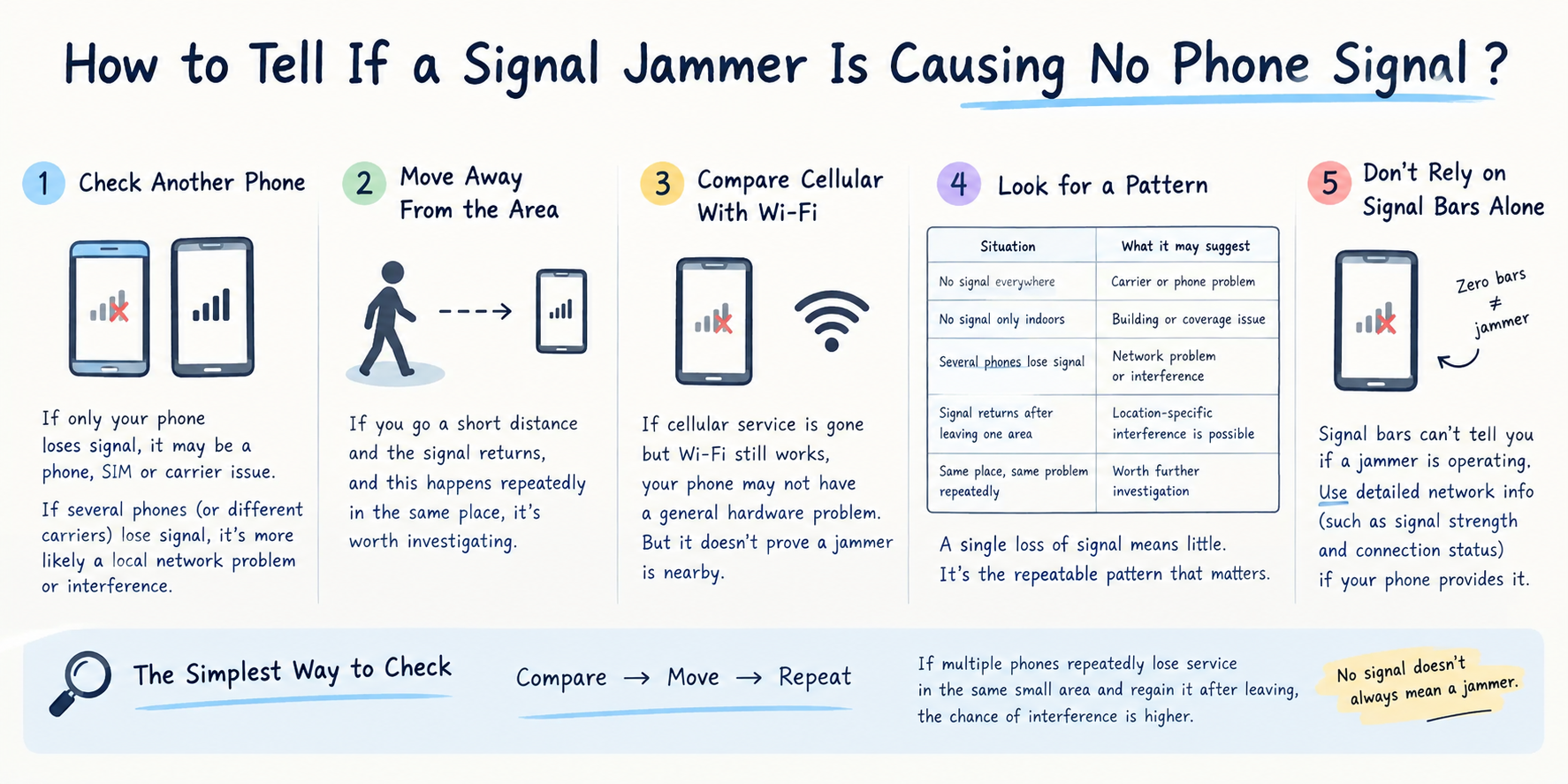
1. Check Another Phone
Put another phone next to yours and compare the signal.
- Only your phone loses signal: more likely a phone, SIM, or carrier issue.
- Several phones lose signal: possible local network or radio-frequency interference.
- Phones on different carriers lose signal: more suspicious than a problem affecting only one carrier.
This is one of the easiest first steps in signal jammer detection.
2. Move Away From the Area
Move a short distance away and check the signal again.
If your phone goes from:
No Service → normal signal after leaving the area
and the same thing happens repeatedly in the same location, the pattern is worth investigating.
A normal coverage problem often changes gradually as you move between buildings, underground areas, or weak-coverage zones. A sudden, location-specific loss of service can be a more unusual sign of cellular interference.
3. Compare Cellular Signal With Wi-Fi
If cellular service disappears but Wi-Fi continues to work normally, your phone itself may not have a general wireless hardware failure.
However, this does not prove a mobile network blocker is present.
Wi-Fi and cellular networks use different radio systems, so interference affecting cellular service may not affect Wi-Fi.
4. Check Whether the Problem Repeats
A single loss of signal means very little.
A repeated pattern is more useful:
| Situation | What it may suggest |
|---|---|
| No signal everywhere | Carrier or phone problem |
| No signal only indoors | Building or coverage issue |
| Several phones lose signal | Local network problem or interference |
| Signal returns after leaving one area | Location-specific interference is possible |
| Same problem occurs at the same place repeatedly | Worth further investigation |
The key is repeatability.
5. Don't Rely on Signal Bars Alone
Signal bars cannot tell you whether a phone jammer is operating.
Zero bars can result from poor coverage, network failure, hardware problems, or interference.
If your phone provides detailed cellular information, measurements such as signal strength and network connection status can provide more useful evidence than the signal-bar icon alone.
Can an App Detect a Phone Signal Jammer?
Usually, not reliably.
A smartphone app may display cellular signal information, but it generally cannot identify the source of radio-frequency silencer or prove that a jammer is nearby.
Be cautious with apps claiming to detect every cell phone jammer automatically.
The Simplest Way to Check
Use three steps:
Compare → Move → Repeat
- 1.Compare your phone with another phone.
- 2.Move away from the area.
- 3.Repeat the test at another time.
If multiple phones repeatedly lose cellular service in the same small area and regain service after leaving it, the possibility of localized interference becomes more credible.
But no signal does not automatically mean a phone signal jammer is present.
The useful clue is not simply that your phone has no service. It is the pattern of when, where, and how the signal disappears and returns.
