
Why Do WiFi Jammers Affect Video Calls Before You Notice a Complete Disconnection ?
When WiFi interference becomes noticeable, most people expect one obvious sign: the connection disappears.
That is not always what happens.
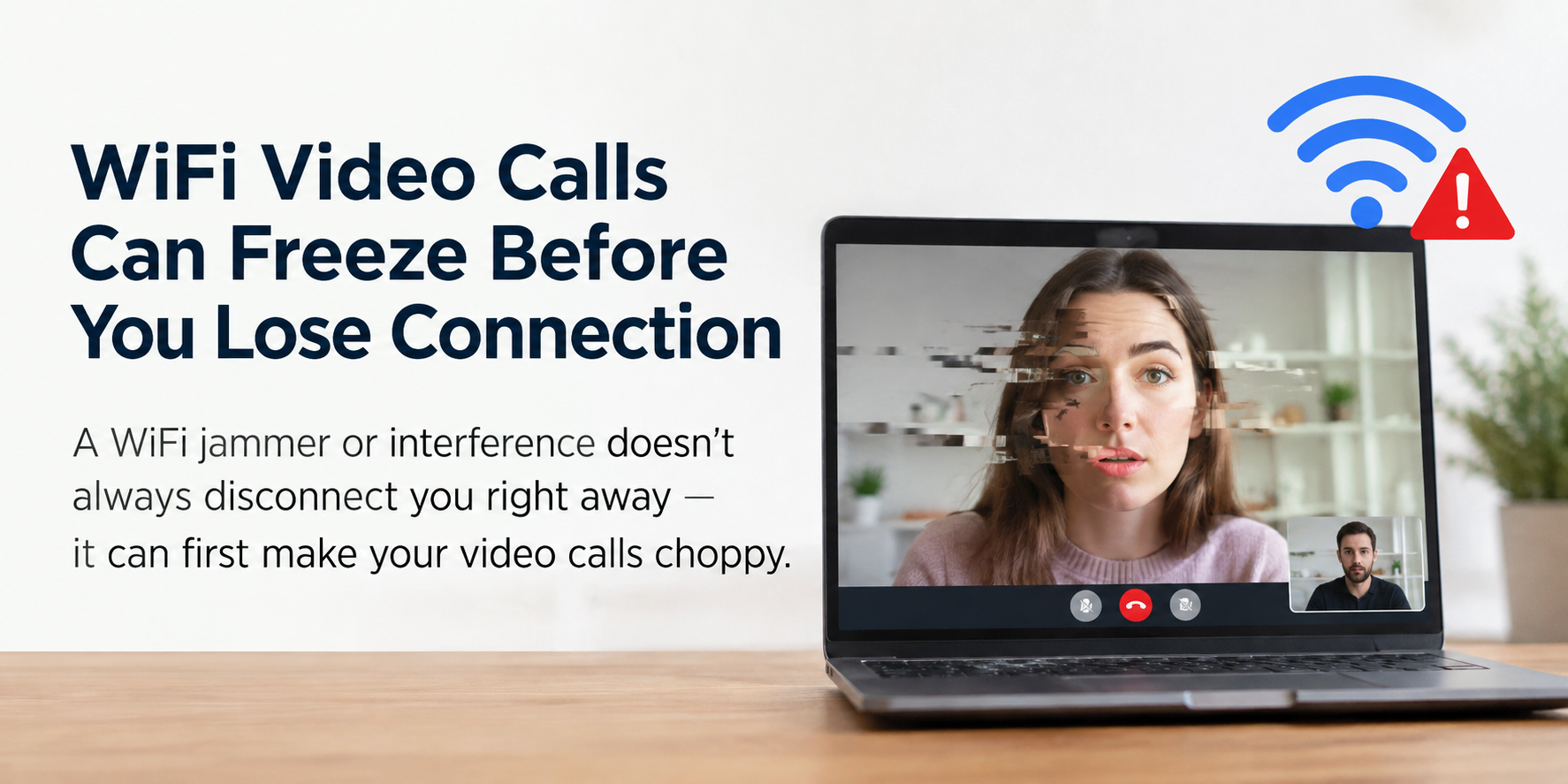
Sometimes the first sign is much smaller—a video freezes for a second, the image becomes choppy, or audio starts arriving with a noticeable delay. Meanwhile, the WiFi icon is still there and a few websites continue to load normally.
So what is actually happening?
The short answer is that Wireless blockers can affect the quality of wireless data transmission before they cause a complete loss of connectivity.
And video is particularly good at exposing that problem.
WiFi Can Stay Connected While Data Becomes Unreliable
A WiFi connection isn't simply "working" or "not working."
There is a middle ground where devices remain connected to the network, but packets are being lost, retransmitted, or delayed more frequently.
This is where things can get confusing.
A webpage may still open because the browser can wait for missing data and request it again. You might notice a slightly slower loading time, but nothing seems seriously wrong.
Real-time video has less room for that kind of recovery.
When part of a video stream arrives too late, waiting for it can be almost as problematic as losing it. The result can be a frozen frame, uneven playback, or a sudden drop in quality.
That is why video can reveal WiFi interference before the connection actually disappears.
The Interesting Part Is Packet Timing
Raw internet speed is not the whole story.
What matters for real-time video is also how consistently packets arrive.
Under interference, packets may not arrive at the expected intervals. Some get through normally, others require retransmission, and some may arrive too late to be useful.
This creates two problems that are easy to overlook:
Packet loss — some data never arrives successfully on the first attempt.
Jitter — packets arrive with inconsistent delays.
Neither problem necessarily disconnects a device from WiFi.
But both can make a live video stream noticeably worse.
This is why a connection can show a decent speed-test result and still behave badly during real-time traffic.
Why Websites May Still Look Normal ?
This is where different applications reveal different sides of the same network.
A browser is generally patient. If something is missing, it can wait.
A video stream is working against time.
If a frame is supposed to be displayed now but the necessary data arrives later, the software has limited options. It may reduce quality, skip information, or briefly freeze the picture.
So when someone searches for "why video freezes but WiFi is still connected," the answer isn't necessarily a lack of bandwidth.
The wireless connection may simply have become less stable.
Jammers Don't Always Produce an Instant "Off" State
The effect of WiFi jammers depends on factors such as radio conditions, distance, frequencies, equipment, and the surrounding environment.
That means interference doesn't always appear as an immediate, total blackout.
A more subtle change can happen first:
stable connection → increased packet errors → retransmissions and delay → visible video problems → possible loss of connectivity
The exact progression varies, but the important point is that complete disconnection is only one possible outcome.
This is also why the phrase WiFi jammer interference symptoms can be misleading if people expect one universal symptom.
There isn't necessarily one.
Video Is Often the Early Warning
Among everyday applications, real-time video is unusually sensitive to network instability.
You don't need a dramatic outage to notice something is wrong. A small increase in packet loss or jitter can be enough to make a stream look unnatural.
That makes video useful as an early indicator of changing wireless conditions.
At the same time, it is important not to assume that every frozen video is caused by jammers. Congested WiFi channels, weak coverage, router problems, competing wireless signals, and upstream network issues can produce similar symptoms.
The useful question is therefore not simply:
"Is the WiFi disconnected?"
It is:
"Has the quality of wireless communication changed?"
That distinction explains why video may start breaking up while everything else still appears to work.
When the Connection Doesn't Look Broken
One of the more confusing signs of wireless interference is that the connection can still look perfectly normal.
The device is connected. Web pages open. Nothing says "offline."
Then the video starts freezing.
This can happen because WiFi jammers don't necessarily cause an instant loss of connection. Depending on the wireless environment, they may first make data transmission less reliable, with more packet loss, retransmissions, or irregular delays.
Video has little patience for those changes. A webpage can wait for missing data. A live stream cannot always do the same without making the delay visible.
Of course, signal blockers aren't the only possible cause. Busy WiFi channels, weak coverage, router issues, and other sources of radio interference can create similar symptoms.
That's why a frozen video by itself doesn't tell you what caused the problem. What it does tell you is that something may have changed in the quality of the wireless connection—even if the WiFi symbol hasn't changed at all.
